We're on Discord! Join the community.
Livefolio
Sign in
Alpaca
Webull
Robinhood
Interactive Brokers
Coming soon

Auto-deploy to your brokerage

When your strategy’s allocation changes, we surface the exact orders. Review them, approve in one tap — nothing trades without your sign-off.

  • You approve every order
  • Read-only by default
  • No credentials stored
  • Disconnect anytime
  • Powered by SnapTrade

Connect your broker once

Pick from 25+ supported brokers via SnapTrade. We use OAuth where available, never store your password, and the connection is read-only by default.
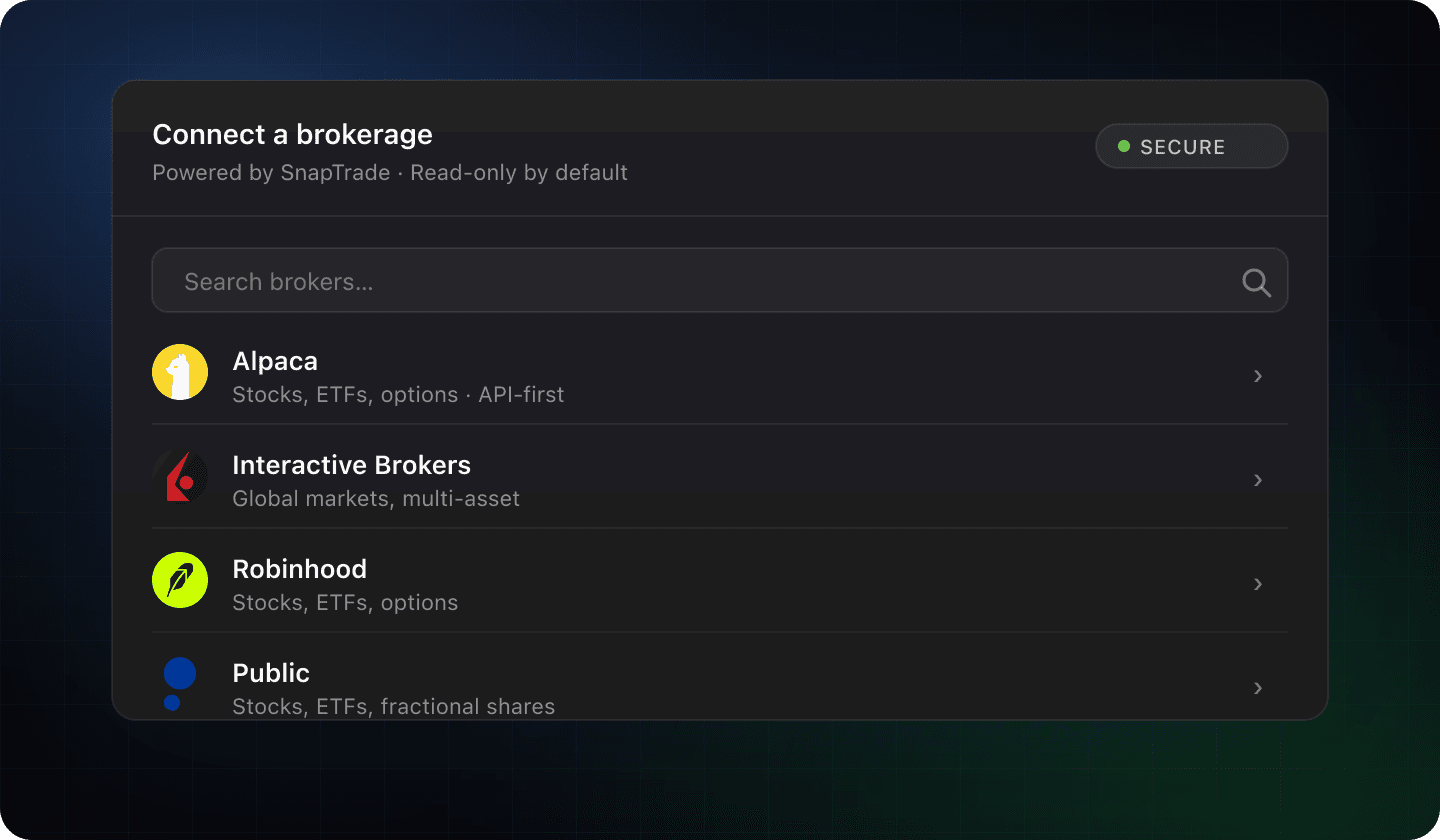
Preview of the broker picker showing Alpaca, Interactive Brokers, Robinhood, and Public

How it works

Step 1

Strategy changes

When a strategy you follow rebalances or its allocation rules fire, we compute the diff against your live brokerage positions.

Step 2

Review the orders

Get a clear list of the exact buys and sells needed to align your account — symbols, quantities, estimated prices.

Step 3

Approve or reject

One tap to approve all, or pick the orders you want. Nothing routes to your broker without your sign-off.

See exactly what will trade

Every order is staged for review — symbol, side, quantity, estimated price. Approve all or pick a subset.
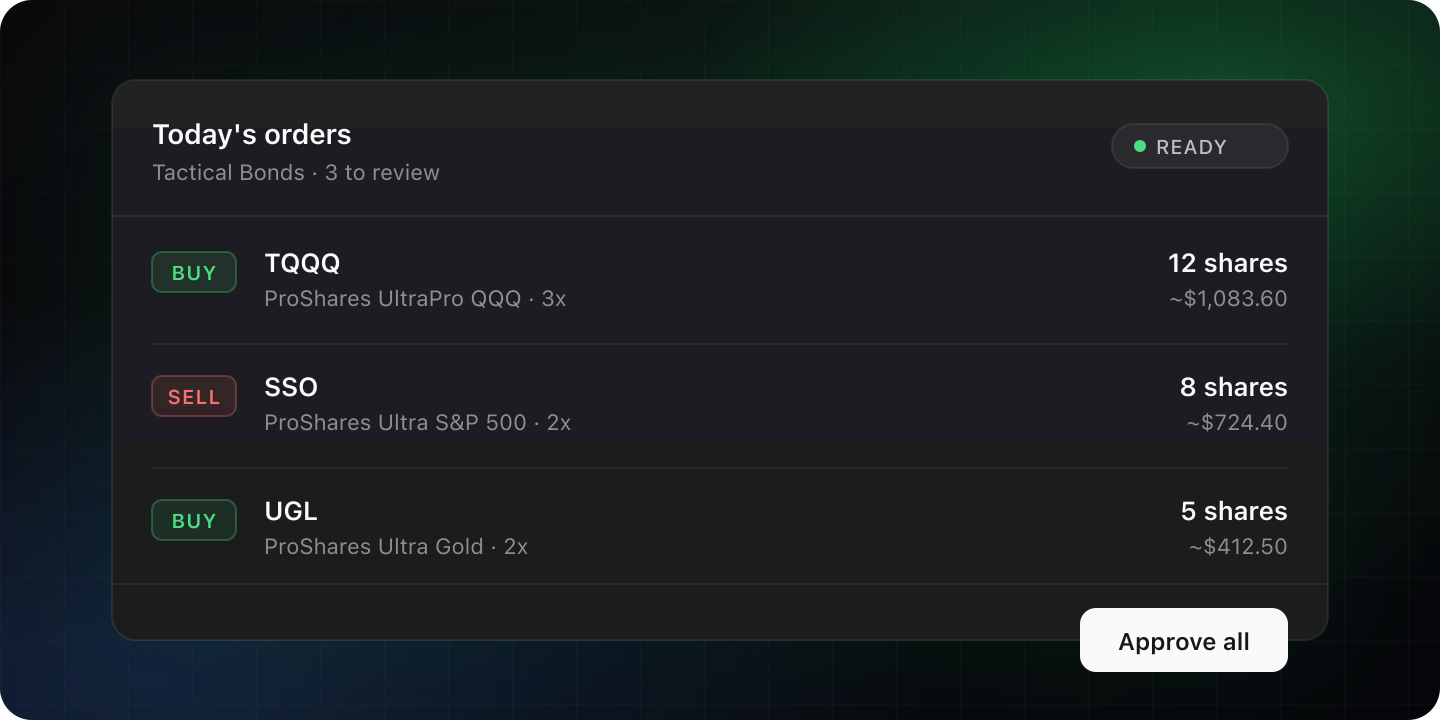
Preview of the auto-deploy UI showing a list of buy and sell orders for TQQQ, SSO, and UGL with an Approve all button

Manual vs auto-deploy

The old way

Manual rebalance

  • Open your broker, look up the new allocation
  • Calculate buys and sells against your live positions
  • Place each order one by one
  • Hope you don't miss the next rebalance
With auto-deploy

One tap to align

  • Open Livefolio when you get the notification
  • See the exact orders, pre-calculated
  • Tap Approve all (or pick a subset)
  • We track every change for you, automatically
Pro

Auto-deploy will be available on the Pro plan at launch.

See pricing

Frequently asked

Get notified when it ships

We’ll email you the moment auto-deploy is live so you can be one of the first to connect your brokerage.